How I secure a WordPress website — a practical checklist
The exact hardening steps I use on client sites: updates, a firewall, two-factor logins, backups and the server settings most people forget.

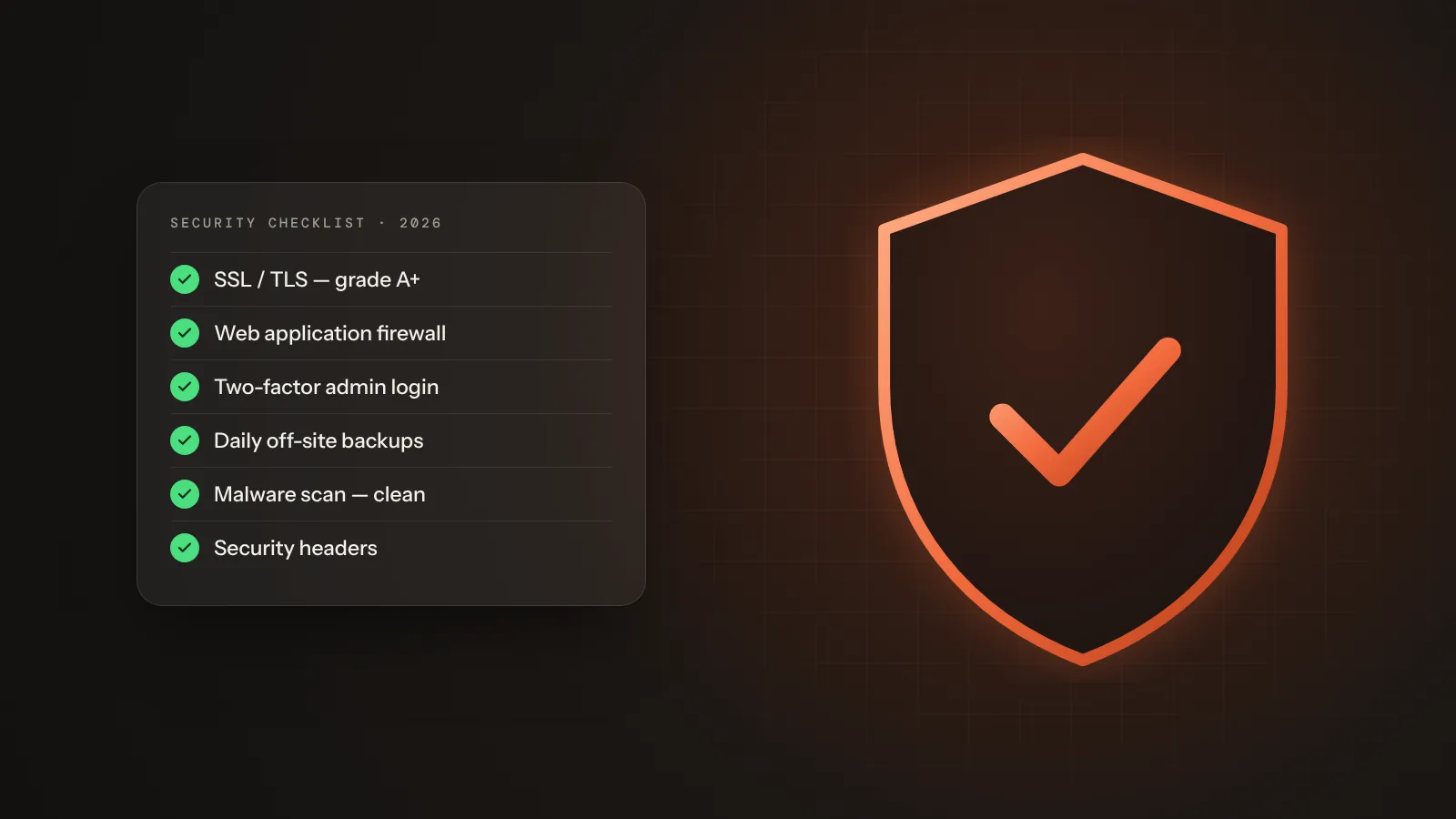
Most hacked WordPress sites I clean up were not attacked by a genius. They were simply left open: an old plugin, a weak password, no backups. The good news is that a handful of simple steps blocks almost every automated attack.
1. Start with a clean, updated core
Update WordPress, the theme and every plugin. Delete anything you are not using — inactive plugins can still be exploited.
- Remove unused themes and plugins
- Use only plugins that were updated in the last 6 months
- Turn on automatic minor updates
2. Lock down sensitive files
These rules in .htaccess block direct access to the configuration file and stop PHP from running inside the uploads folder:
# Protect wp-config.php
<Files wp-config.php>
  Require all denied
</Files>

# Block PHP inside /wp-content/uploads/
<Directory "/home/user/public_html/wp-content/uploads">
  <FilesMatch "\.php$">
    Require all denied
  </FilesMatch>
</Directory>

# Turn off directory listing
Options -Indexes
And in wp-config.php I always switch off the built-in file editor:
// Disable the theme & plugin editor in the dashboard
define('DISALLOW_FILE_EDIT', true);

// Force HTTPS for the admin area
define('FORCE_SSL_ADMIN', true);
3. Put a firewall in front of the site
A web application firewall (Cloudflare, Imunify360 or a plugin) filters bad bots and known attack patterns before they reach WordPress.
4. Turn on two-factor login
Even a leaked password is useless without the second factor. It takes two minutes to set up with Google Authenticator.
Security is not one plugin — it is a few good habits, done every time.
5. Keep backups you can actually restore
Daily off-site backups, and a test restore every few months. A backup you have never restored is only a hope.
Download the checklist (PDF)PDF · 2 pages · free
Need help hardening your site or cleaning up a hack? Send me a message — I usually reply within a day.
Comments
3 comments-
Rahim Uddin
Very clear checklist, thank you! The uploads folder rule alone stopped a backdoor on one of my client sites.
-
Choun MiaAuthor
Glad it helped, Rahim! Also check the cron jobs on that server — backdoors often come back from there.
-
-
Sophie Turner
Bookmarked. Do you also recommend changing the default admin login URL?
Keep reading
More articles

Before & after: editing a sunset photo with my free Lightroom presets
Drag the slider to compare the flat RAW file with the final edit — then download the presets and try them on your own photos.
Choun Mia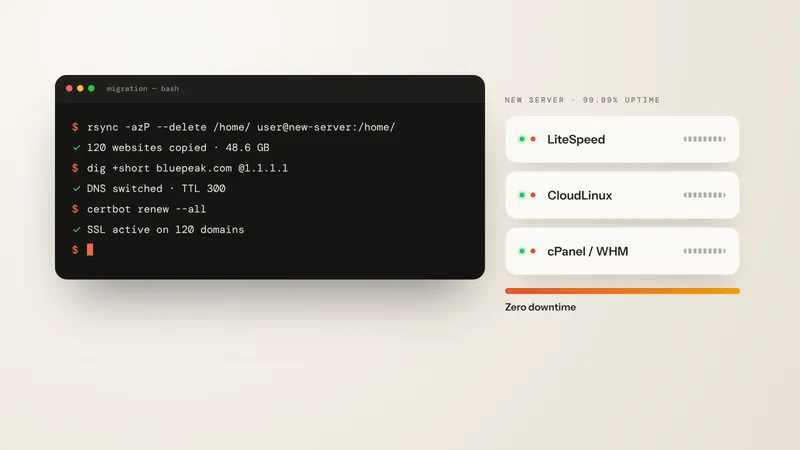
Moving 120 websites to a new server with zero downtime
My step-by-step migration plan — lowering the DNS TTL, syncing files with rsync, switching DNS and checking email, SSL and speed.
Choun Mia
Designing a premium portfolio: typography, color and motion
Why this website uses a bold sans-serif with an italic serif accent, a warm cream palette and small, purposeful animations.
Choun Mia